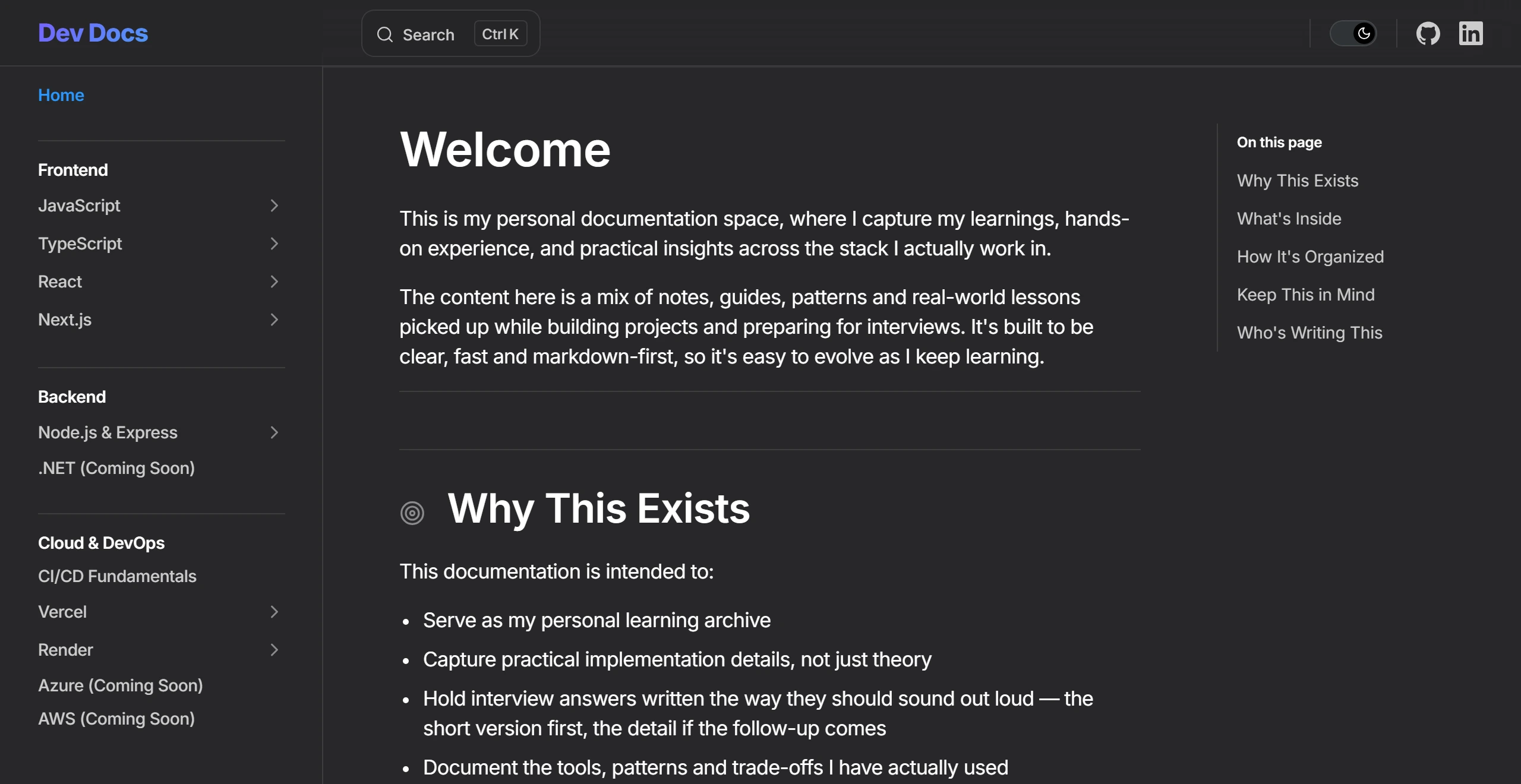
A markdown-first documentation space capturing hands-on notes, patterns, and spoken-style interview answers across frontend, backend, and cloud/DevOps.
Dev Docs is my personal documentation space, where I capture my learnings, hands-on experience, and practical insights across the stack I actually work in. The content is a mix of notes, guides, patterns and real-world lessons picked up while building projects and preparing for interviews. It also doubles as an interview-preparation archive: answers are written the way they should sound out loud — the short version first, the detail if the follow-up comes. Built with VitePress on top of Vue 3 and Vite, it stays clear, fast and markdown-first, so it is easy to evolve as I keep learning. The site is organised by stack — Frontend (JavaScript, TypeScript, React, Next.js), Backend (Node.js & Express, with .NET in progress) and Cloud & DevOps (CI/CD fundamentals, Vercel, Render, with Azure and AWS in progress) — and ships with full-text search, a dark/light theme, and an 'On this page' rail for fast navigation.
Author & MaintainerInformation ArchitectFrontend Engineer
 VitePress
 Vue 3
Vue 3 Vite
Vite Markdown
 TypeScript
 Vercel
Markdown-first authoring so notes stay fast to write and easy to keep evolving
Frontend section covering JavaScript, TypeScript, React, and Next.js in depth
Backend section covering Node.js & Express, with .NET in progress
Cloud & DevOps section covering CI/CD fundamentals, Vercel, and Render, with Azure and AWS in progress
Interview answers written the way they should sound out loud — short version first, detail on the follow-up
Full-text client-side search across every page with a Ctrl+K command palette and keyboard navigation
Nested, collapsible sidebar grouped by stack area for quick topic switching
'On this page' heading rail with scroll-spy for long reference documents
Dark and light theme with a persisted appearance preference
Syntax-highlighted code blocks with paired input/output examples
Static-site output deployed on Vercel for fast, cache-friendly page loads
Responsive layout that stays readable on mobile and tablet